 Reviewed by PH44 Brand Team
 Home Log In Account Access and Security Information
This page provides practical guidance for accessing your PH44 account, checking your login details, using supported devices, and keeping your account information private. It is intended for Philippine players aged 21 and above who need straightforward member assistance.
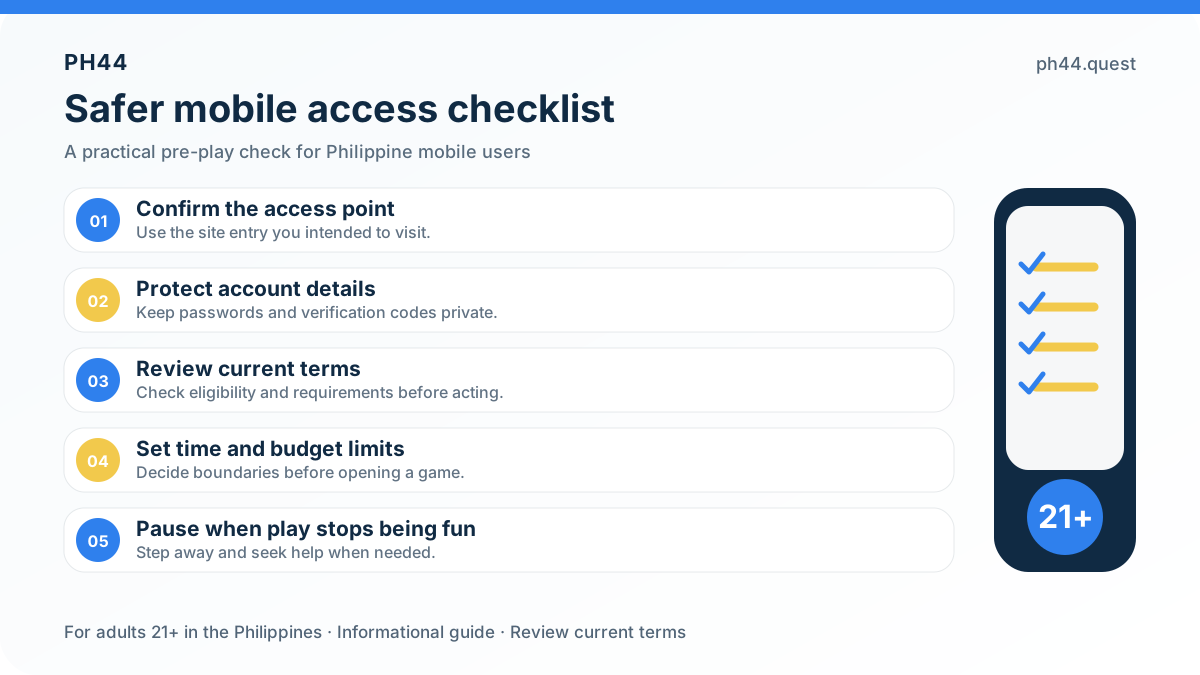
Use the correct username and password when signing in. If access does not work, check your username, password, device, and internet connection before trying again. Your registered username must contain 6 to 13 letters or numbers, while your password must contain 6 to 12 letters or numbers. For further assistance, review the available help information or contact member support.
- For safer access, enter ph44.quest directly and check the address before signing in.
- Keep your password private and never share it with another person.
- If you use a shared or unfamiliar device, sign out as soon as you finish.
- If you cannot remember your password, follow the instructions in the FAQ or contact member support for guidance.
- Report any login attempt or account activity that you do not recognise to support as soon as possible.
PH44 support should not need your password. Keep your login details confidential, and be careful when responding to unexpected calls, messages, or emails requesting account information.
- Browse 38 listed games across categories including Bingo, Keno, Crash, BonusGame, and AC.
- Review current promotions carefully, including the First Deposit Bonus of up to ₱1,299 and other offers whose terms, dates, and eligibility may apply.
- Deposit and withdrawal functions are available, with supported channels including USDT, Grab Pay, Online Banking, MAYA, and GoTyme where offered in the account.
- Explore member benefits such as VIP Club levels, betting-point progress, and promotional rewards, subject to the applicable activity terms.
- Choose from listed titles such as Open Sesame, Atlantis, Win Cai Shen, Age of the Gods: Keno™, JetX, Balloon, PlinkoX, and FootballX.
- Customer Support When Needed
Login and Account Safety Help
Returning members can access their PH44 account by entering the registered username and password in the Login form. The registration requirements include a username containing 6 to 13 letters or numbers and a password containing 6 to 12 letters or numbers. For the member journey and current account links, visit <a href="https://ph44.quest">PH44</a>.
PH44 gives Philippine adults aged 21+ a place to explore online games, promotions, payment information, account tools, and responsible participation guidance. Before using any feature, review the applicable rules and keep your account details accurate and secure.
If you cannot remember your password, start with the Help Center and review the available account-access guidance. If you still need assistance, contact PH44 Customer Service through the support option shown on the platform. Never send your password or private account details to an unverified contact.
Keep your password private and do not share it with anyone. PH44 support should not need your password to assist with an account-access concern. If a message or link appears suspicious, do not open it; use the platform’s recognised support route instead.
Follow these steps to access your PH44 member account:
- Enter the username registered to your account in the Login form.
- Type your account password carefully in the password field.
- Review the details before continuing, especially when signing in from a shared or unfamiliar device.
- Select the Login button.
- Once your details are accepted, you can continue to the member area and review the features available to your account.
- Browse the available PH44 titles, check the rules for your chosen game, and play only if you are 21+ and comfortable with your planned spending limit.
Protect your PH44 account with a unique password and avoid signing in through shared or untrusted devices. Keep your login details private, check that you are using the correct PH44 access page, and contact Customer Service if anything about your account activity looks unusual.
- Choose a strong password that is difficult to guess, using a private combination of letters and numbers within the accepted 6-to-12-character format.
- Do not reuse your PH44 password on another website or service.
- Log out after finishing, particularly when using a public computer or another person’s device.
- Do not open suspicious links or provide account details through unverified messages.
- Keep your registered account information secure and contact Customer Service through the platform if you notice unusual access or payment activity.
About PH44 Login Frequently Asked Questions
PH44 Login Information View Details
Find practical guidance for account access, password support, mobile use, account security, and responsible participation.
For adults aged 21 and above only. Please play responsibly.